
The Best AI Setup for Small Business Is Basically a Folder

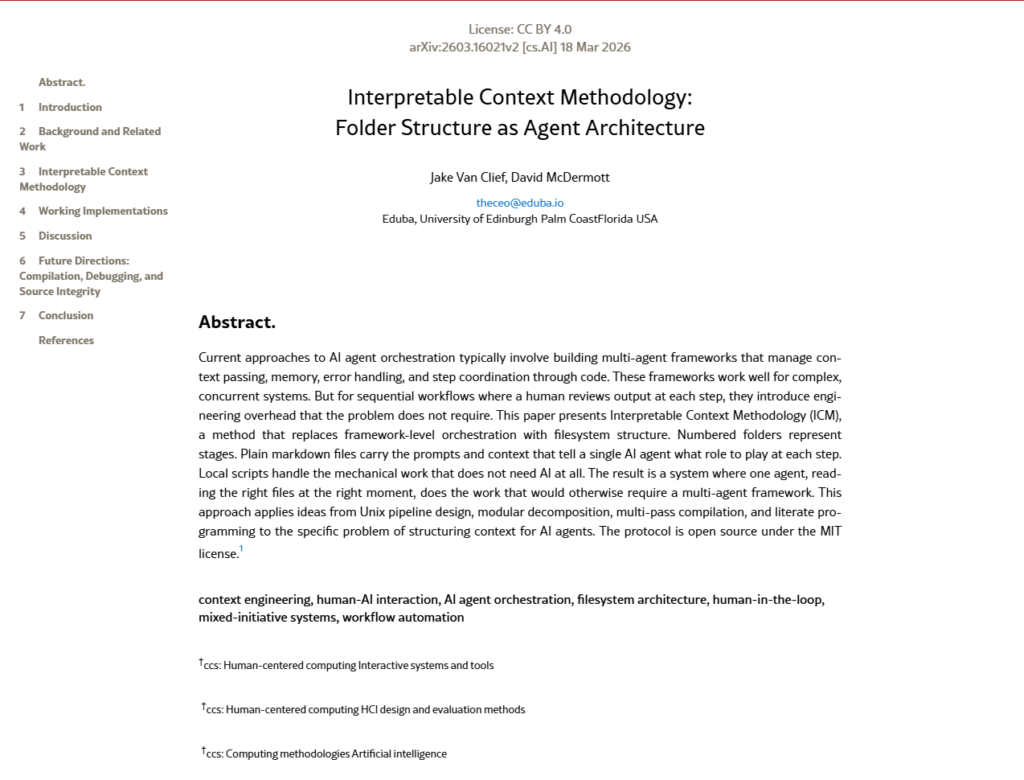
Overview: For two years, small businesses have been told that “real” AI means frameworks, vector databases, and a developer to run it all. In March 2026, a researcher named Jake Van Clief published a paper saying most of that is unnecessary — a folder of plain text files can do the same job. Then in June, Google shipped something built on the exact same idea. If you run a lean team, this is the rare bit of AI news that makes your life cheaper, not more complicated. Here’s what it means for your marketing and SEO. Want to skip ahead and just try it? Jump to the 10-minute Claude setup.
You were probably sold the wrong kind of AI
Here’s the pitch most small businesses have heard: to do AI properly you need a stack. Orchestration frameworks, a vector database, a multi-agent platform, and ideally someone technical on call to keep it running. For a team of five, that’s dead on arrival — too expensive, too fiddly, too much to maintain.
So most owners do one of two things. They overspend on tools they never fully use, or they sit it out and watch better-funded competitors creep up the rankings. The new research makes a quietly annoying point: a lot of that complexity was solving a problem you never had.
What the paper actually says
Van Clief and his co-author David McDermott argue that if a human checks the work at each step — which is true of basically every marketing task in a small business — the heavy frameworks are overkill. Their alternative, the Model Workspace Protocol, swaps all that code for something you already understand: a folder.
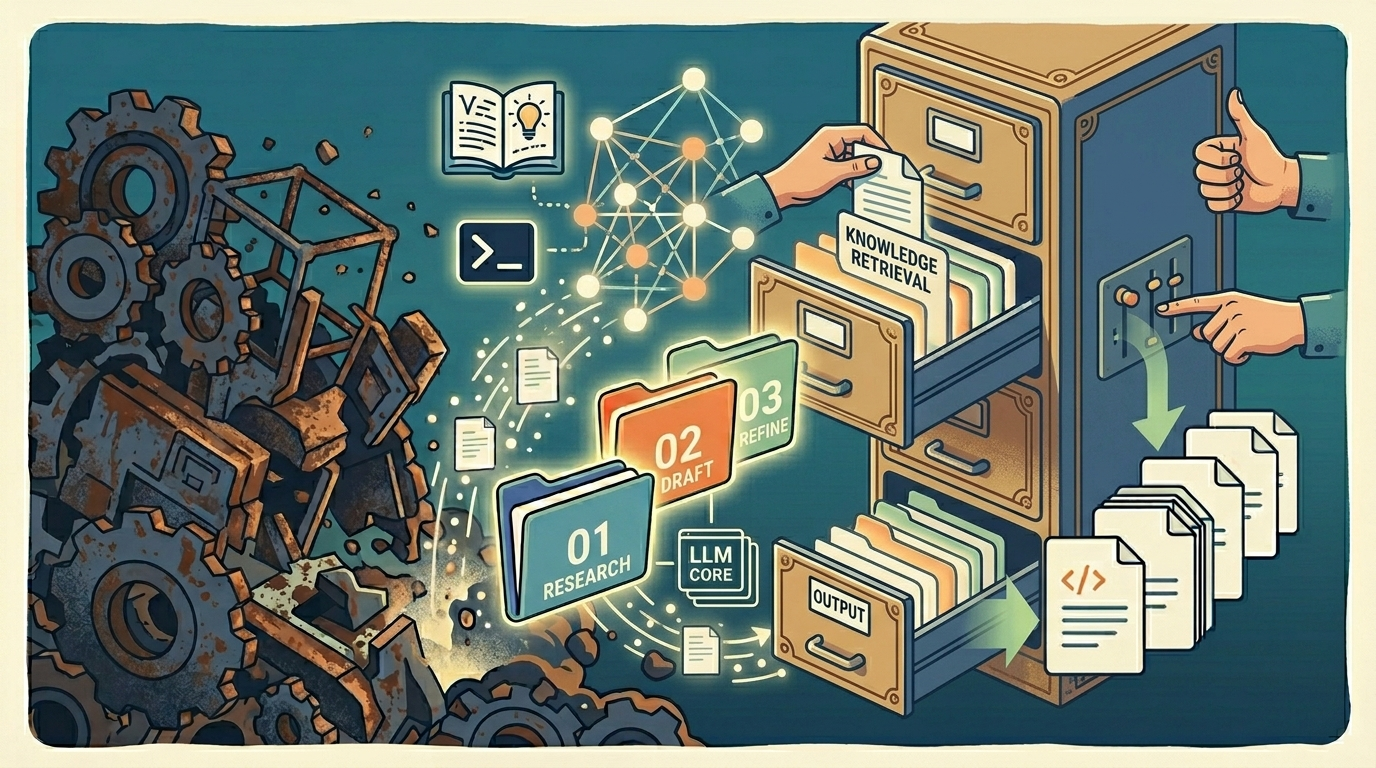
Numbered folders are the stages of your process. Plain markdown files (just text, lightly formatted) hold the instructions for each step. Small scripts handle the dull mechanical bits that don’t need AI at all. One AI assistant reads the right file at the right moment and does the work a whole multi-agent system was supposed to do. It’s open source, by the way. Free.
Three months later, Google’s Cloud team landed in the same place with its Open Knowledge Format — a way to store a company’s knowledge as, again, just a directory of markdown files. No special software, no lock-in. Their words: “just markdown… just files.”
Two very different groups, arriving separately at the same conclusion. I don’t think that’s a coincidence so much as both of them noticing the obvious at the same time: for ordinary work, plain files beat expensive machinery.
Why this is good news if you’re small
This isn’t an engineering footnote. It’s a budget story. If your “AI system” is a folder, your setup cost is close to zero, and the money you’d have spent on platforms stays in the business. You also don’t need a developer — if your team can keep a Google Drive tidy, they can build one of these. And because every instruction sits in a file you can open and read, you always know exactly what the AI was told to do. That last part matters more than it sounds when the AI is touching your public content and your search rankings. It also means the same folder approach doubles as a sane file-management system for a small business — the work and the way you organise it become the same thing.
What this looks like for content and SEO
Say you want an AI-assisted content pipeline. You’d set it up like this:
- 01-research — a file telling the AI to gather the main points and questions for a keyword.
- 02-draft — a file with your brand voice and structure, for the first draft.
- 03-seo — a file with your on-page checklist: title, headers, internal links, search intent.
- 04-repurpose — a file that spins the finished piece into a newsletter and social posts.
Each folder is a stage. You read the output before it moves on. That’s the whole thing. It’s the same hub-and-spoke, intent-first approach we run for clients — just stripped down to something a two-person team can operate on a Tuesday afternoon. If you want the deeper SEO version, see our ChatGPT for SEO competitor analysis playbook.
For a worked example of building something useful with AI on a small-business budget, here’s our short walkthrough:
Try it in 10 minutes: a folder setup you can build in Claude today
Enough theory. Here’s a small, real setup you can stand up right now using Claude and a few free folders on your own computer. Picture a one-person marketing operation that wants help turning a rough idea into a finished blog post. We’ll give the work three stages, and let Claude play a different role at each one.
Step by step:
- Make three numbered folders. On your desktop, create a folder called
blog-pipeline, and inside it add01-research,02-draft, and03-edit. The numbers are just the order you move through. That’s your whole “framework.” - Write one plain text instruction per stage. In
01-research, add a file calledrole.mdand type what you want Claude to be here, for example: “You are a research assistant. I’ll paste a topic. Give me five angles a small business audience would actually care about, plus three questions they’d Google.” Do the same in the other two folders, with a writing brief in02-draftand an editing checklist in03-edit. - Run stage one. Open Claude, paste the contents of your
role.mdfrom01-research, then add your topic underneath. You read the angles it gives back and pick the one you like. Save that choice asoutput.mdin the same folder. - Hand the output to the next stage. Start a fresh Claude chat, paste the
role.mdfrom02-draft, then paste the angle you saved. Now it’s writing, not brainstorming. Save the draft into02-draft. - Finish in the edit folder. New chat again, paste the editing checklist from
03-editand the draft. Out comes a cleaned-up version you actually read before anything goes live.
That’s it. No subscriptions, no plugins, no developer. The folders keep your stages straight, the text files keep Claude’s instructions consistent, and you stay in the loop at every handoff. When a step starts working well, you tweak its file and it works better next time. Scale this up to social posts, proposals, or customer replies, and you’ve got a real system that grew out of a folder.
What I’d actually do with this
- Don’t buy anything yet. The most credible voices in the room — an independent researcher and Google — are both telling you the expensive option is usually overkill.
- Pick one repetitive task you already do (writing posts, refreshing old pages) and lay it out as numbered folders.
- Keep the instruction files boring and readable. The whole point is that you can see what’s going on.
- Review every step. The human-in-the-loop isn’t a limitation here; it’s the design.
A few common questions
What makes a good folder structure?
One you can navigate without thinking. Clear names, a shallow hierarchy, and an order that matches how the work actually flows. The setup here adds one more rule: each folder should map to a real step in your process, so the structure tells you what happens next.
What is the best folder structure for a small business?
There’s no single template, but a good rule for small business file management is to organise by process, not by file type. Numbered stage folders (research, draft, review, publish) beat a pile of “Docs,” “Images,” and “Misc” folders, because they show the journey of the work. That’s also exactly what makes the same structure usable as an AI workflow.
How do you create a good folder structure?
Start with the process, not the files. Write down the steps a piece of work goes through, give each step its own numbered folder, and only then decide what lives inside. Keep names plain, avoid nesting more than two or three levels deep, and resist the urge to add a folder for every edge case. If you can hand the structure to someone new and they can find their way around without asking, it’s working.
Do I need any special software for this?
No. That’s the whole appeal. You need a place to keep folders and text files — your computer, Google Drive, or a shared drive all work — and access to one AI assistant. There’s no platform to buy and nothing to install beyond what your team already uses.
Want a hand putting this to work?
That’s the whole approach: the research, the reasoning, and a folder structure your team can copy without buying anything. New to using AI day to day? Start with our guide to getting started with ChatGPT for small business owners.
If you’d rather have us set it up around your specific marketing and SEO goals, that’s what we do at Digitalonian: lean AI workflows that turn into real organic-search results, minus the enterprise invoice. Book a free consultation.
Source: Jake Van Clief & David McDermott, arXiv:2603.16021 (open source, MIT); Google Cloud, Open Knowledge Format.